


If your Genie garage door opener remote has stopped working or you’ve just installed a new system, learning how to program it is essential. Fortunately, programming a Genie garage door opener is a simple process that doesn’t require any special tools or professional help. With just a few easy steps, you can connect your remote, keypad, or even your car’s built-in system and have your garage door functioning perfectly again.
This detailed guide will walk you through the process of programming different Genie opener devices, along with troubleshooting tips and answers to common questions.
Why Programming Your Genie Garage Door Opener Matters
Every Genie garage door opener uses a secure code to communicate between the opener and the remote. When you press the remote button, the opener recognizes this unique signal and activates the door. If the connection is lost — for example, after a power outage, battery change, or equipment replacement — you’ll need to reprogram the remote.
Programming is also necessary if:
- You’ve moved into a new home with an existing Genie system.
- You’ve purchased a new remote or keypad.
- You want to delete old remote codes for security.
- You replaced your garage door opener’s circuit board or receiver.
Knowing how to program your Genie garage door opener ensures your system remains secure, responsive, and convenient.
What You’ll Need Before You Begin
Before you start, make sure you have the following:
- Your Genie garage door opener remote or wireless keypad.
- Access to the main powerhead unit (the motor mounted to your garage ceiling).
- A ladder if your opener is mounted high.
- A working power source.
- A bit of patience and safety awareness.
Safety Note: Always keep hands, tools, and objects clear of the door mechanism while programming. Never stand directly beneath a moving garage door.
How to Program a Genie Garage Door Opener Remote
Programming a Genie remote is the most common task homeowners need to do. It usually takes less than a minute.
Step 1: Locate the “Learn” or “Program” Button
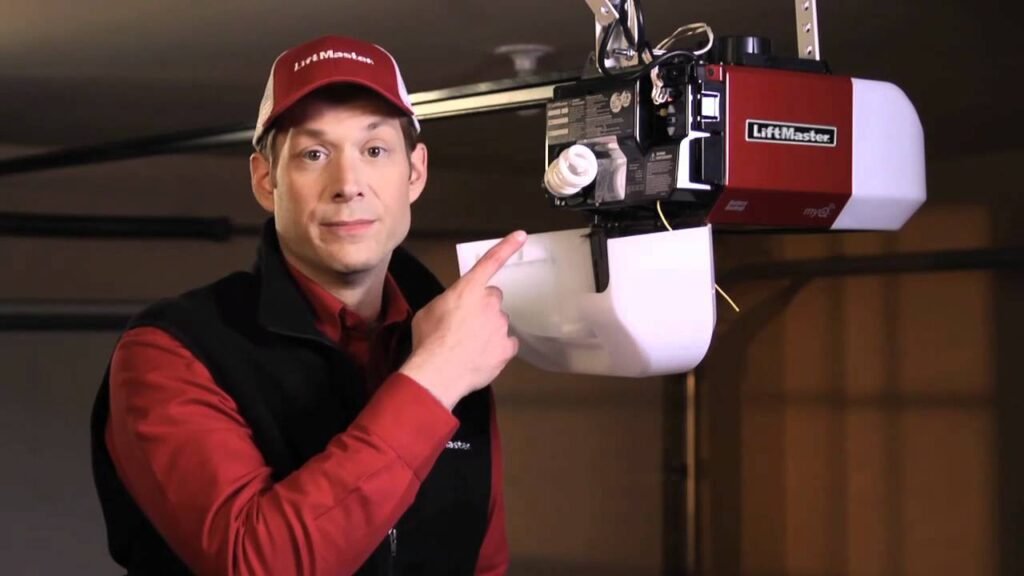
On most Genie openers, the “Learn” or “Program” button is found on the powerhead unit. You may need to remove the light cover to see it. The button is typically near the antenna wire and might be labeled “Learn,” “Set,” or “Program.”
Step 2: Activate Programming Mode
Press and release the “Learn” or “Program” button. A small LED indicator light will start blinking, meaning the opener is ready to receive a signal. You’ll usually have about 30 seconds to complete the next step.
Step 3: Press the Remote Button
While the LED is blinking, press and hold the remote button you want to program. The LED will either flash rapidly or turn solid, depending on your model. This confirms that the opener recognized the signal.
Step 4: Test the Connection
Press the remote button again. If the garage door opens or closes, programming was successful. If nothing happens, repeat the process carefully, ensuring the opener’s LED light enters programming mode again.
How to Program a Genie Wireless Keypad
A Genie wireless keypad allows you to open your garage without a remote, using a secure PIN. Here’s how to program it:
Step 1: Enter Programming Mode
On the keypad, press and hold the Program and Up/Down (arrow) buttons at the same time until the LED light blinks twice and stays solid.
Step 2: Set or Change the PIN
Enter your preferred 3–8 digit PIN, then press the Program button once more. The LED should blink once and turn off, indicating your PIN has been stored.
Step 3: Sync the Keypad to the Opener
Now, go to your powerhead unit and press the Learn or Program button once. The LED on the opener will begin blinking. Within 30 seconds, return to the keypad, enter your PIN, and press the Up/Down button. Wait about 5 seconds, then press Up/Down again. Your door should move — signaling successful programming.
Tip: If your keypad stops working later, replace the batteries or reprogram it using the same steps. You can also reset the PIN by holding the Program button until the LED stops flashing.
How to Erase All Remote Codes
If you’ve lost a remote or moved into a new home, it’s smart to clear all old codes before adding your own remotes.
- Hold down the “Learn” button on the opener for about 10 seconds until the LED light goes out.
- This will erase all stored remotes and keypads.
- Reprogram the remotes and keypads you still use.
This step ensures that only trusted devices can access your garage.
Troubleshooting Tips
If your Genie garage door opener doesn’t respond after programming, try these quick fixes:
- Check the batteries: Weak or dead batteries are the most common reason remotes stop working.
- Move closer: Wireless signals can be blocked by metal doors or concrete walls.
- Reprogram the remote: Sometimes interference or power surges can cause the opener to forget your remote.
- Reset the system: Unplug the opener for 30 seconds, plug it back in, and reprogram the device.
- Inspect the LED: If the light on your opener doesn’t blink during programming, there might be an internal issue with the receiver.
Frequently Asked Questions (FAQs)
1. How do I find my Genie garage door opener model number?
The model number is printed on a sticker on the powerhead unit, usually near the light bulb or back panel. It’s helpful when looking up your specific user manual or replacement parts.
2. Can one remote control multiple Genie openers?
Yes. Many Genie remotes have multiple buttons, and each button can be programmed to operate a different opener.
3. Can I use my car’s built-in HomeLink system with a Genie opener?
Yes, most Genie models are HomeLink compatible. Follow your car’s HomeLink instructions and use the Genie “Learn” button to sync it just like a regular remote.
4. How many remotes can I program to one opener?
Most Genie openers can store up to seven different devices, including remotes, keypads, and car systems.
5. What should I do if my remote suddenly stops working?
Replace the batteries first. If that doesn’t work, clear the old codes and reprogram the remote. Also, check if any nearby wireless devices are causing interference.
6. Do I need to reprogram after a power outage?
Usually, no. Genie openers store their codes in memory. However, in rare cases of electrical surges, reprogramming may be necessary.
Final Thoughts
Knowing how to program a Genie garage door opener is a simple but valuable skill for any homeowner. With just a few button presses, you can sync your remote or keypad and enjoy smooth, reliable garage door operation. Regularly checking and updating your opener’s programming also enhances your home’s security by ensuring only authorized devices can access it.
Whether you’re setting up your first remote, adding a keypad, or troubleshooting an older system, these steps will help you program your Genie garage door opener quickly and confidently.
